Your AI can read your files, spend your budget, and act on your behalf — and today you can't see or stop any of it.
GainWix AI Studio is the single place that puts all of it under your control.
One entrance. Every call accountable.
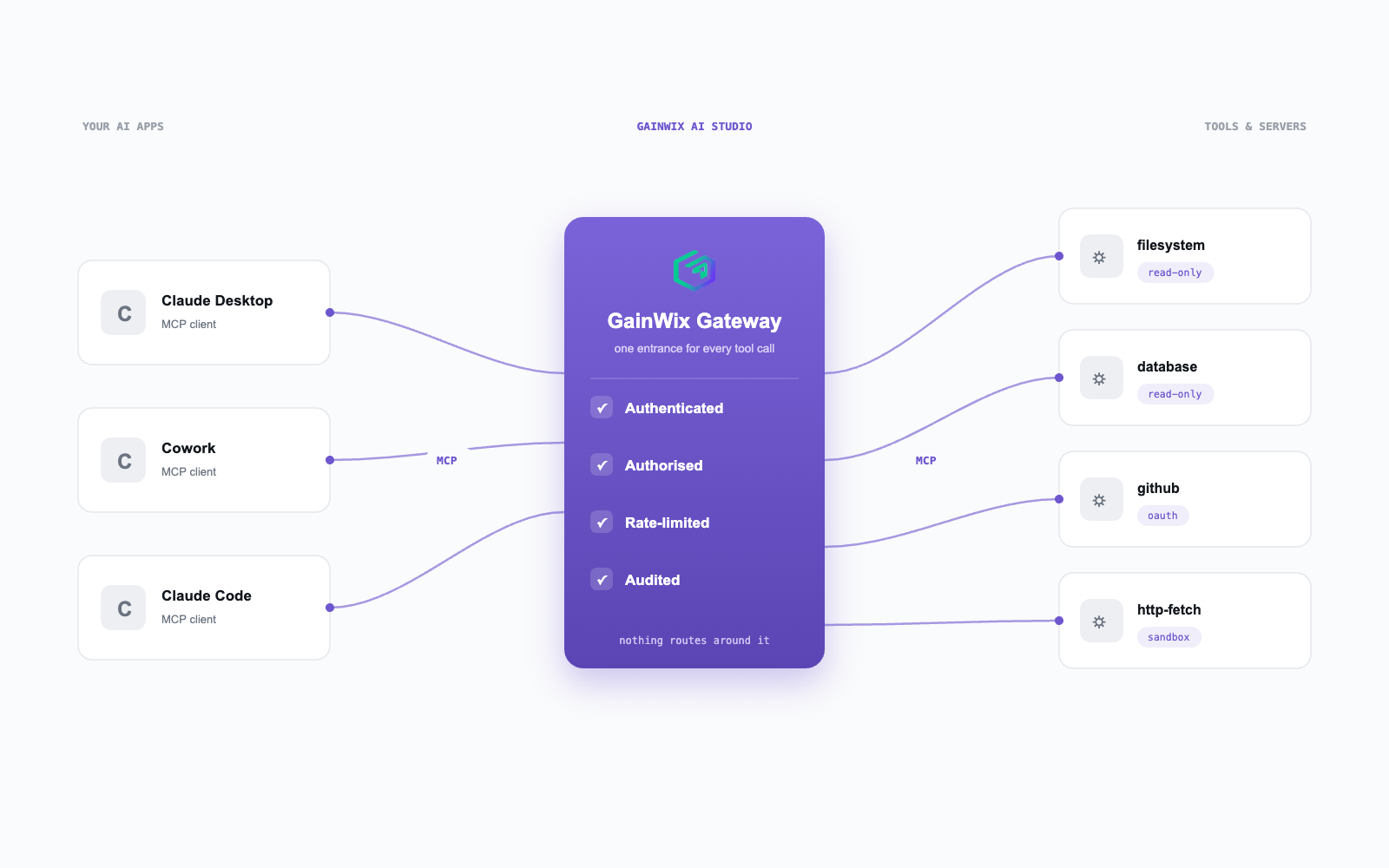
Connect Claude Desktop, Cowork, or Code once. Every tool call then flows through a single policy pipeline — authenticated, authorised, rate-limited, audited.
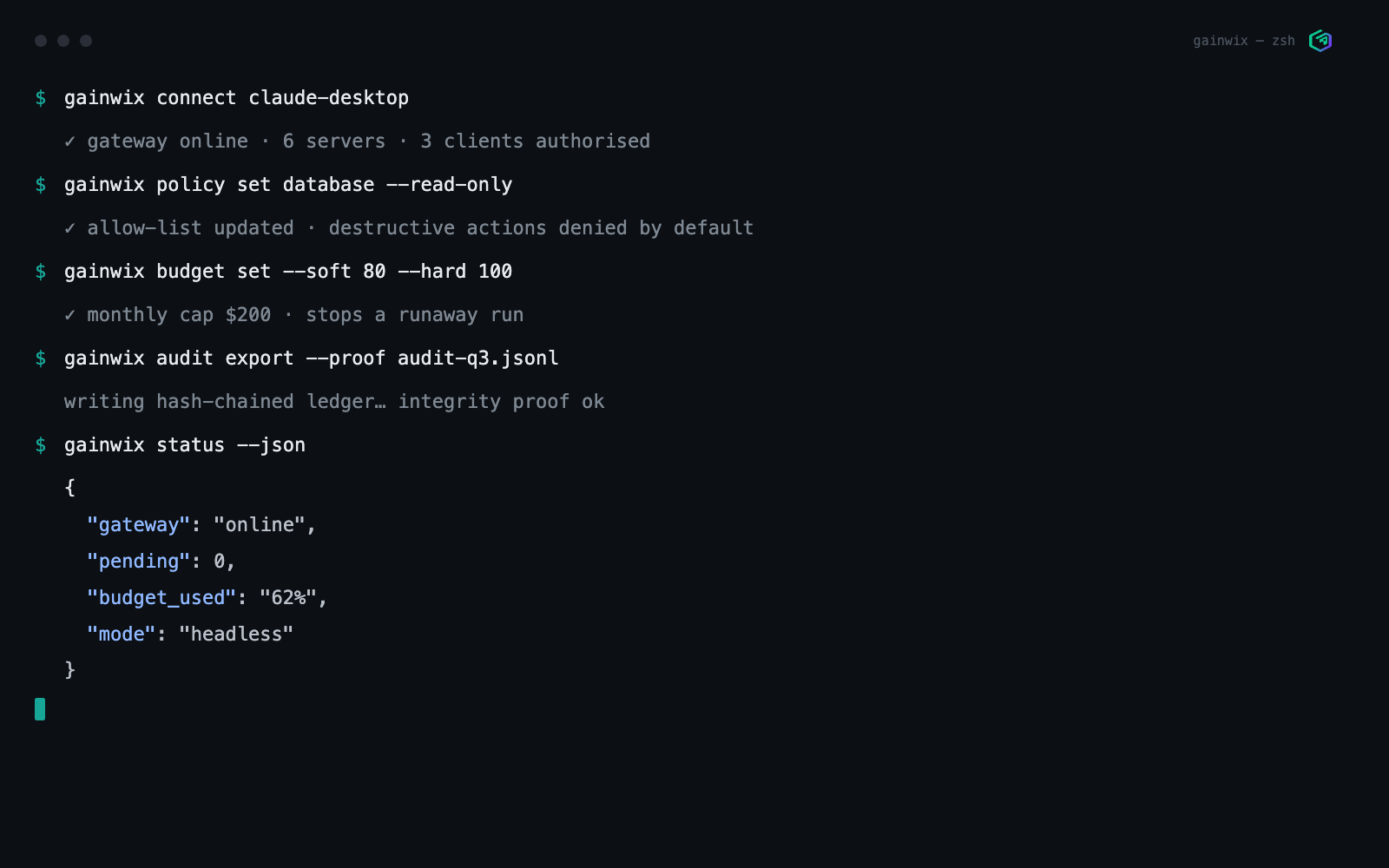
- One-command connect. No JSON editing, ever.
- Per-host and per-tool allow-lists — like "database: read-only".
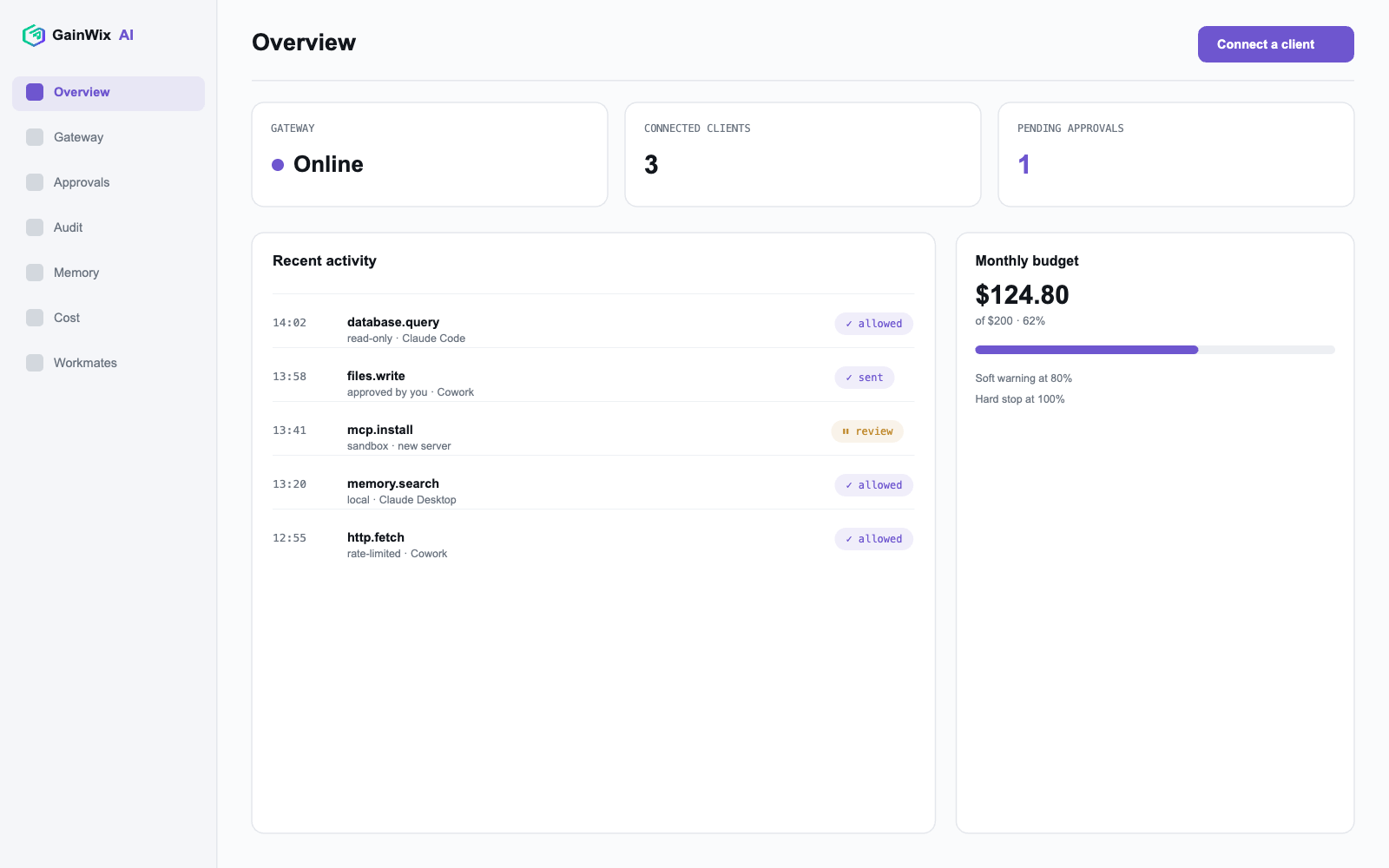
- Budgets with a soft warning at 80% and a hard stop at 100%.
- Destructive actions — write, send, delete — denied by default until approved.
Role-aware teammates, not one-off chats.
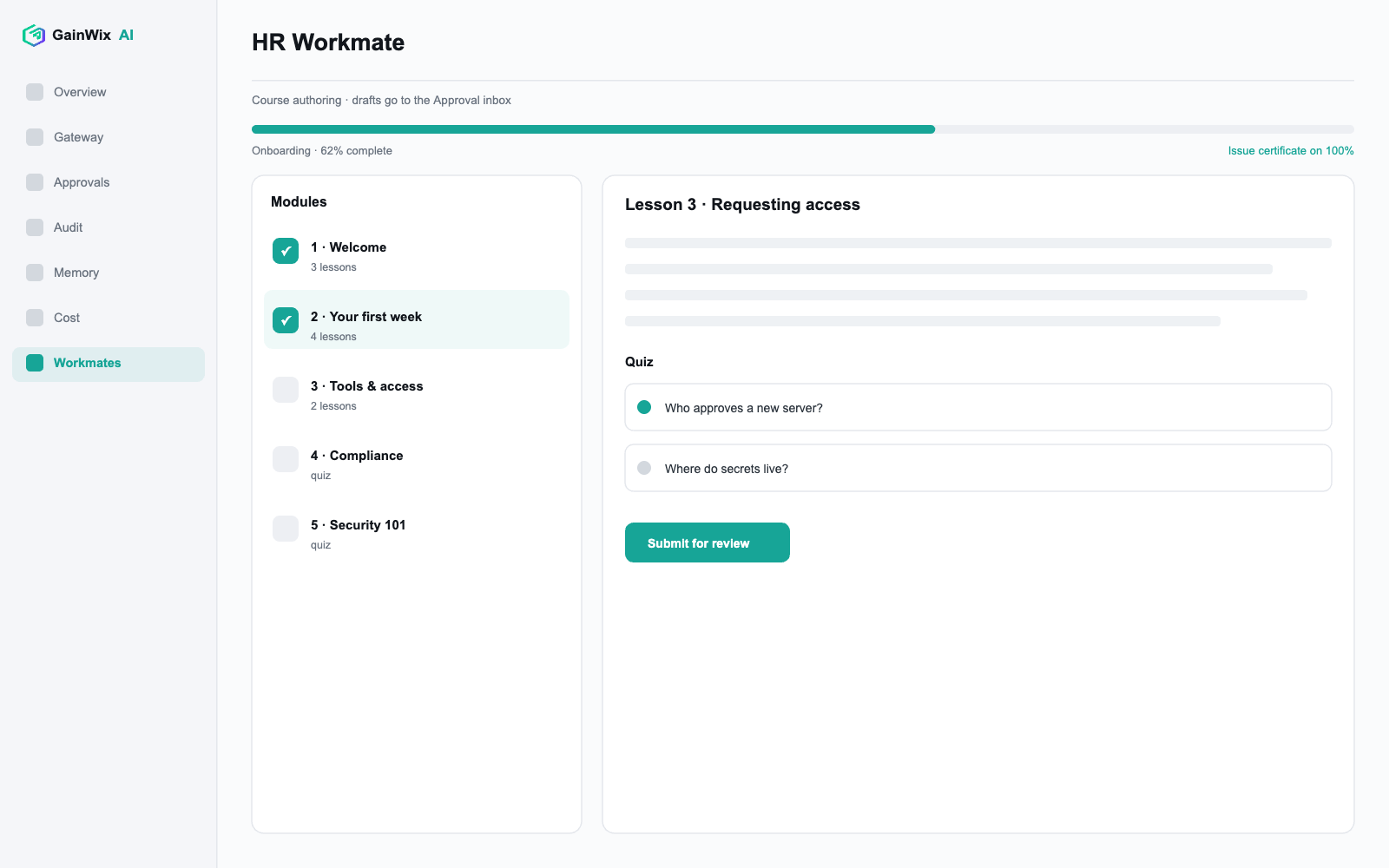
Persistent Workmates that work inside your AI apps or run on a schedule with your own key. Anything that acts lands in the Approval Inbox first.
The HR Workmate is the first one available today — a training platform. Author courses with modules, lessons, and quizzes; take and build them from inside Claude; issue completion certificates; run reviewer workflows.
Explore Workmates →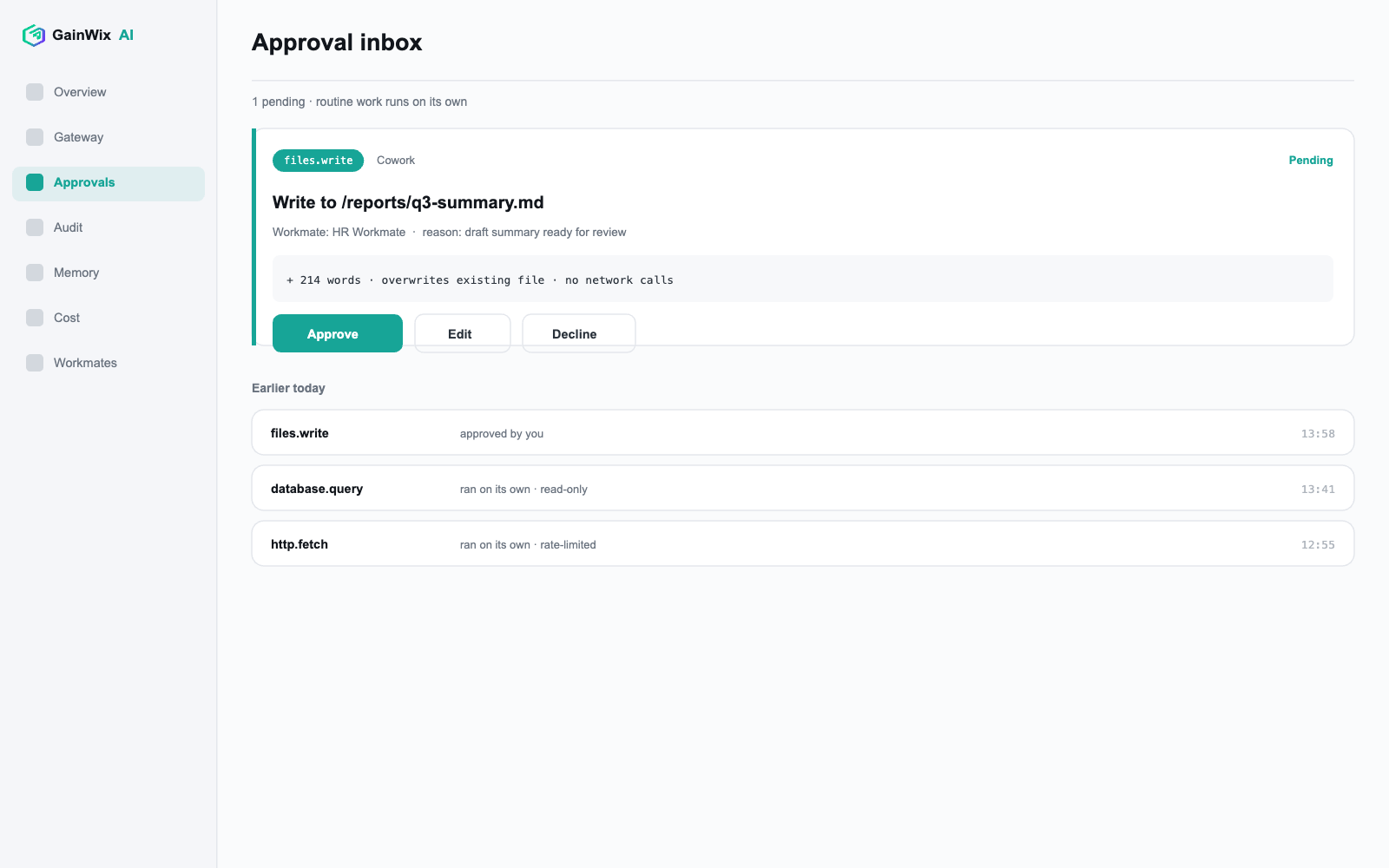
The risky moves wait for you.
Routine, allow-listed work finishes on its own. Only gated actions and Workmate drafts land in the inbox — approve, edit, or decline, with the full context in front of you.
- Enforced by the daemon, not the UI — approvals hold even when the app is closed.
- Decide from a notification, the palette, or the CLI.
- The product's spine: AI that asks first.
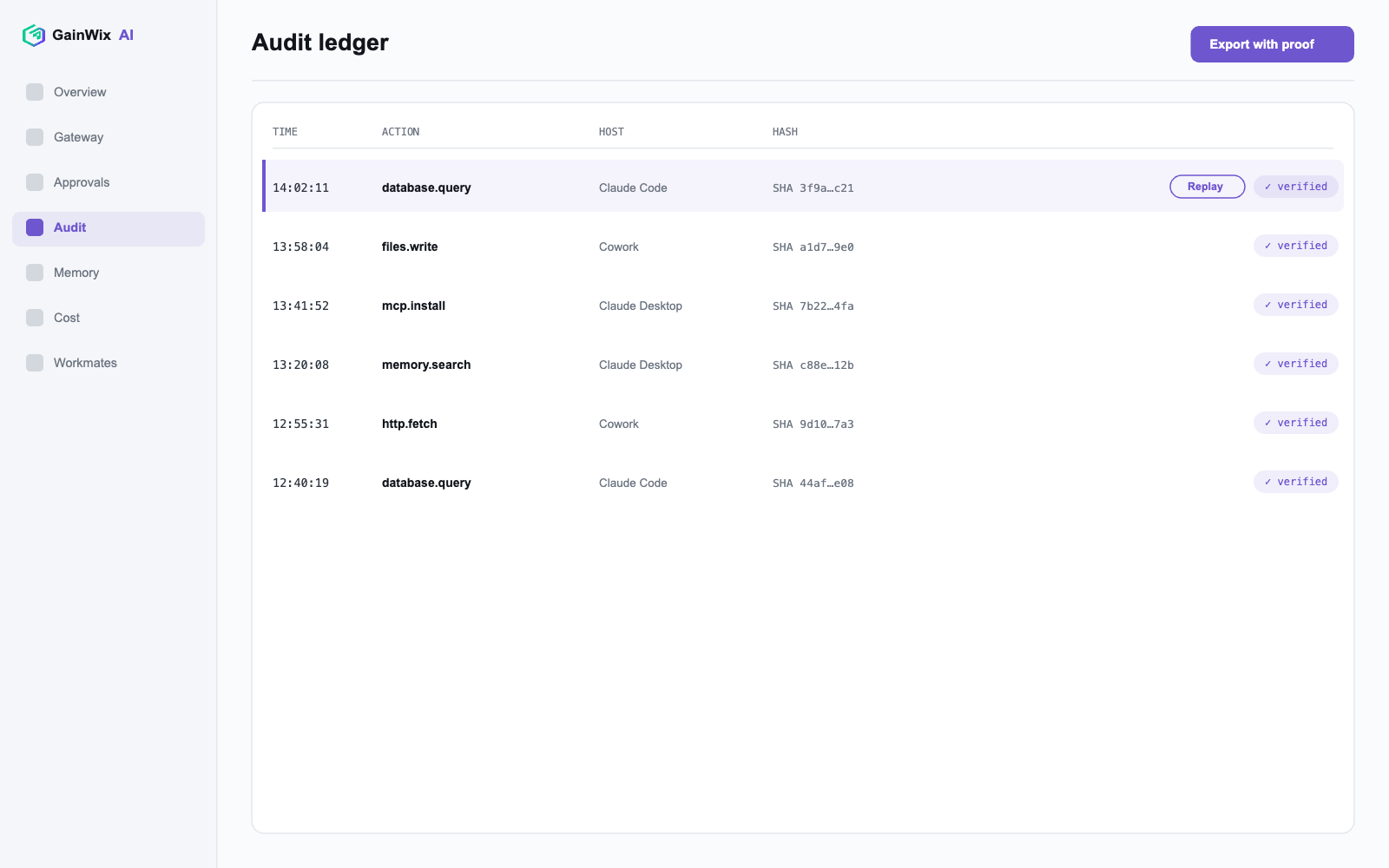
Know exactly what your AI did at 14:02.
An append-only, hash-chained ledger records every gateway call and every Workmate run. Tamper-evident by construction — and replayable.
- Replayable traces — the agent debugger your AI apps don't ship.
- Export the audit with an integrity proof. Pass a security review in an afternoon.
- Tool outputs tagged and prompt-injection flagged in the ledger.
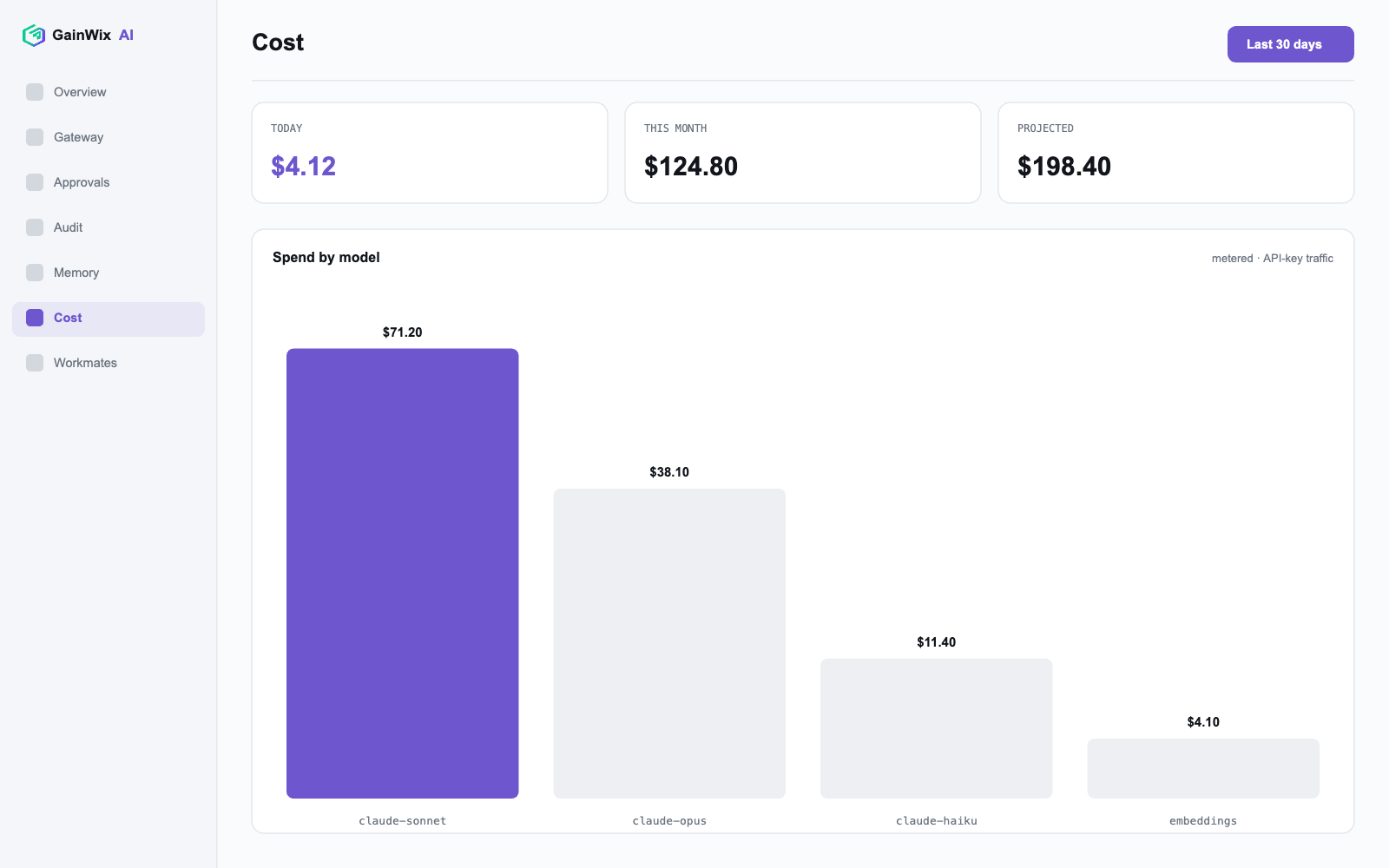
See spend before the invoice does.
Per-model, per-server cost, metered exactly for API-key traffic and honestly labelled everywhere else. Budgets that actually stop a runaway autonomous run.
- Exact metering for API-key traffic; honest estimates everywhere else.
- Consolidated team spend from exported ledgers.
Your data never leaves your computer.
Secrets, policies, and audit data stay local. The cloud handles licensing and updates — nothing else.
Offline-verifiable licence keys — paid features keep working air-gapped.
Off by default, content-free, public schema.
The whole governed core, free and headless.
The daemon and CLI are free forever — gateway, policies, budgets, audit, Workmates — with no GUI and no account.
- Scriptable JSON output and non-zero exits for CI gates.
- Encrypted backup and restore.
- Runs headless in Docker.